Reference Questionnaire Templates
Reference questionnaires help validate a candidate's skills, work history, and professional behavior by obtaining insights directly from past supervisors, colleagues, or other professional contacts. They offer structured feedback that complements interview evaluations, providing a more complete picture of a candidate’s strengths, reliability, and suitability for the role. By standardizing questions, reference questionnaires ensure fair and consistent comparisons across candidates, leading to more informed hiring decisions.
Zamdit allows you to create Reference Questionnaires, which are automatically sent to references added by candidates in response to Reference Check questions included in Online Interview Questionnaires. Therefore, to use reference questionnaires, you’ll need to include reference check questions in your online interview questionnaires.
Questions in a reference questionnaire should align with the role to gather feedback that’s relevant to the specific skills, competencies, and attributes required. Zamdit provides a default template in each language with example questions that you can use as a basis for creating custom reference questionnaires.
Creating and editing questionnaire templates
When adding or editing a questionnaire template, the details are organized within a popup window divided into two main sections. Changes are not saved until you click Save.
Template details
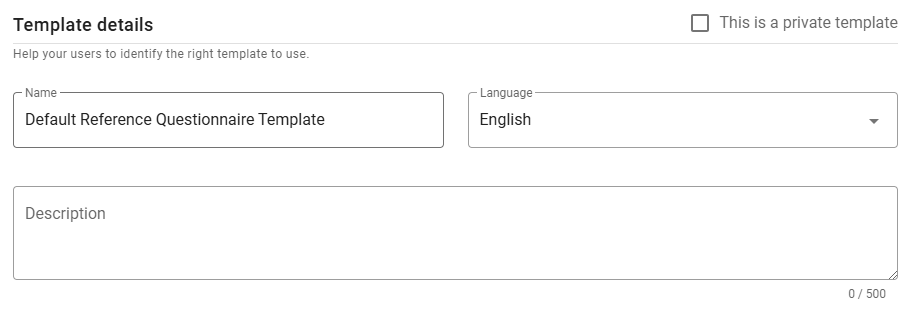
In this section, define the template's Name, Language and Description. Set the language before adding questions to ensure compatibility.
⚠️ Note for Admin users
When creating a new template, you can mark it as private by selecting the checkbox in the top-right corner. Once saved, this option cannot be changed.
Questionnaire
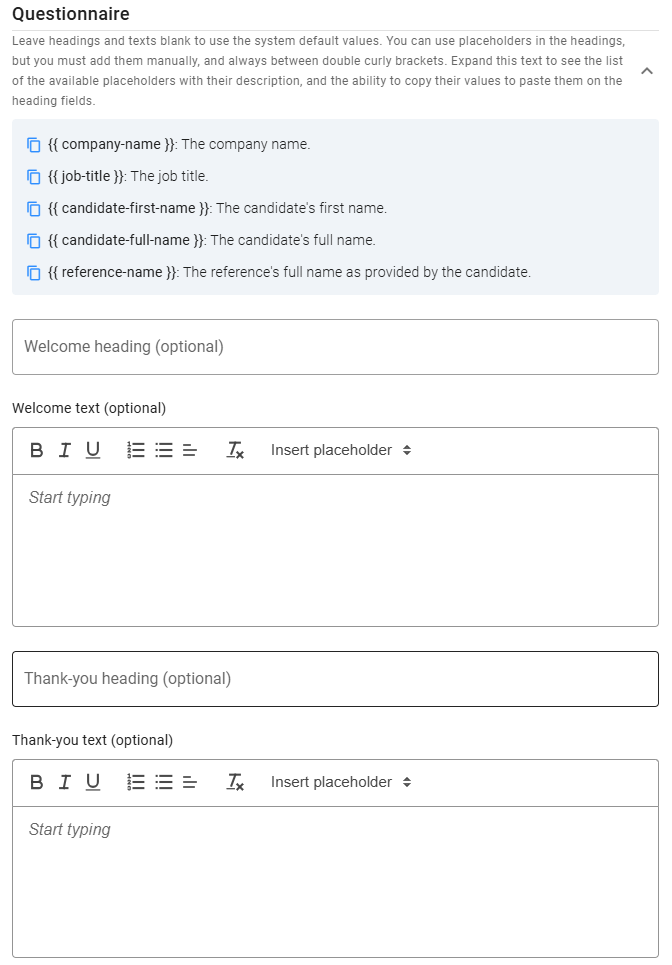
This section allows you to customize the messages displayed to references before and after they complete the form, as well as the questions. While default Welcome and Thank-you messages are provided, you can customize headings and text as needed.
Use placeholders, listed at the top of this section (click the expand icon), for dynamic content. To copy a placeholder, click the icon next to it.
Questions
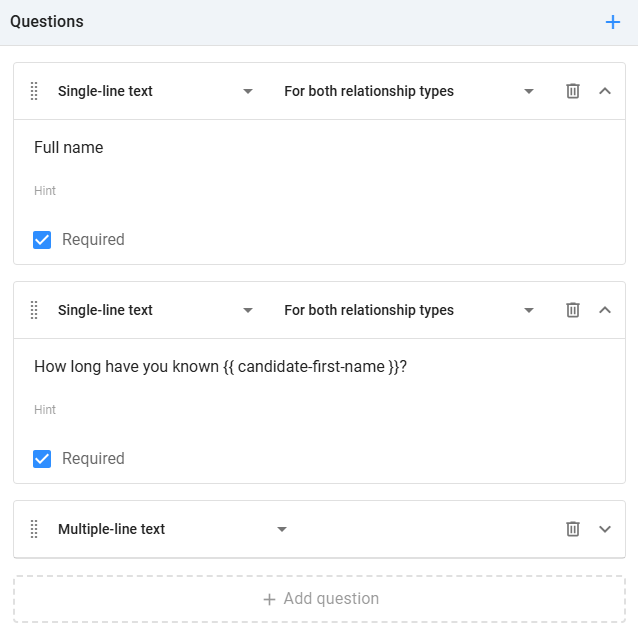
In the Questions panel, you’ll add all questionnaire questions. You can specify the relationship type for each question: Professional, Personal, or Both. If a questionnaire includes questions applicable to both types, Zamdit will only display those relevant to each reference.
Zamdit supports various question types: Checkbox, Number, Date, Single choice, Multiple choice, Single-line text, Multiple-line text as Rating. For each question, you can add an optional description (hint) to clarify its purpose and indicate if it’s required. Choice questions need at least two options, and you can select the UI component (dropdown, checkbox, or radio button). Rating questions also allow customization of the range and labels. To delete a question, click the Delete icon on the right. To reorder questions, drag and drop them using the Dots icon. Placeholders are also available for questions and can be used just like in the welcome and thank-you messages.
Preview
To see how the questionnaire will appear to references, click the Preview button at the bottom left of the form. First, you’ll need to select the type of relationship. The preview includes three views:
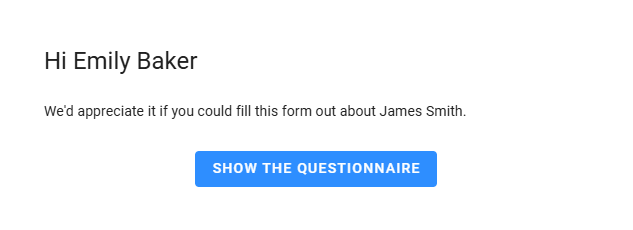
Welcome view
The initial view shows the Welcome heading and message. If the questionnaire doesn’t have custom values defined, the system default will be used.
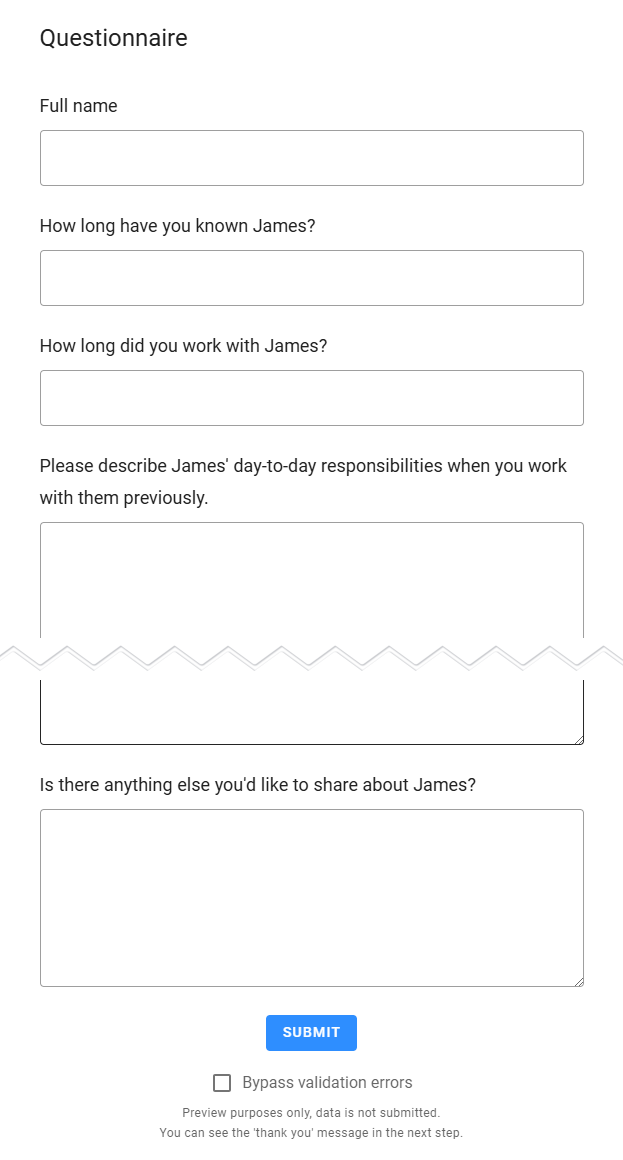
Form view
The second view displays the questionnaire, allowing you to test headings, fields, and validation rules. To skip validation errors and proceed to the next view, check the Bypass Validation Errors box.
Thank-you view
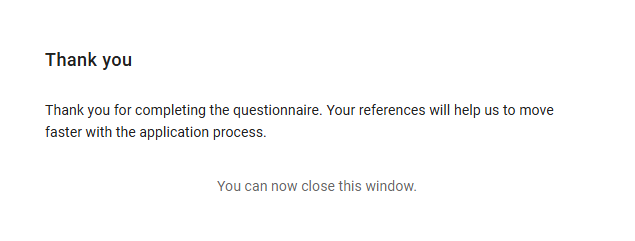
The final view displays the Thank-you heading and message, providing references with a closing statement. As with the Welcome view, if custom values aren’t defined, the system default will be used.