
Sign in
To sign in to Zamdit, use your email address and password.
Your session will expire after 30 minutes of inactivity unless you select the Keep me logged in option. If this option is enabled, your session will remain active even if you close the browser tab and reopen the app later, as long as you access the app at least once every 30 days.
If the session expires while the app is still open in your browser, a re-authentication popup will appear, allowing you to sign in again without leaving your current view. This ensures you won't lose any unsaved changes.
To completely close your session after finishing your work and prevent anyone else from using your account, we recommend logging out manually by selecting the Logout option from the menu accessible via your avatar. If Keep me logged in is not selected, simply closing the browser tab is sufficient.
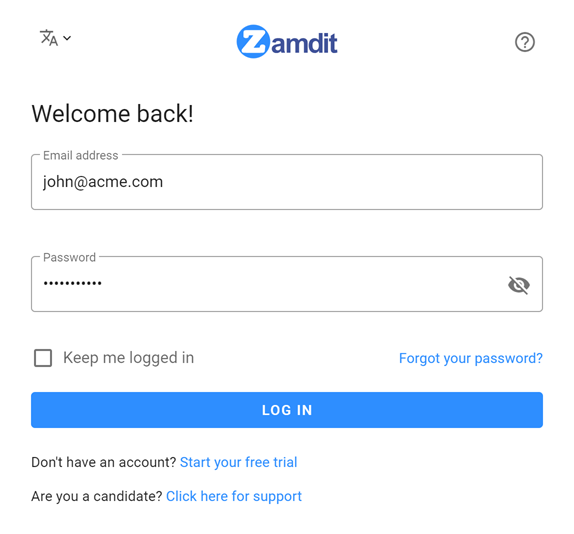
You can always change your password in the Security section under Account Settings. If you forget your password and cannot access Zamdit, click Forgot your password? to reset it.