Update Your Profile
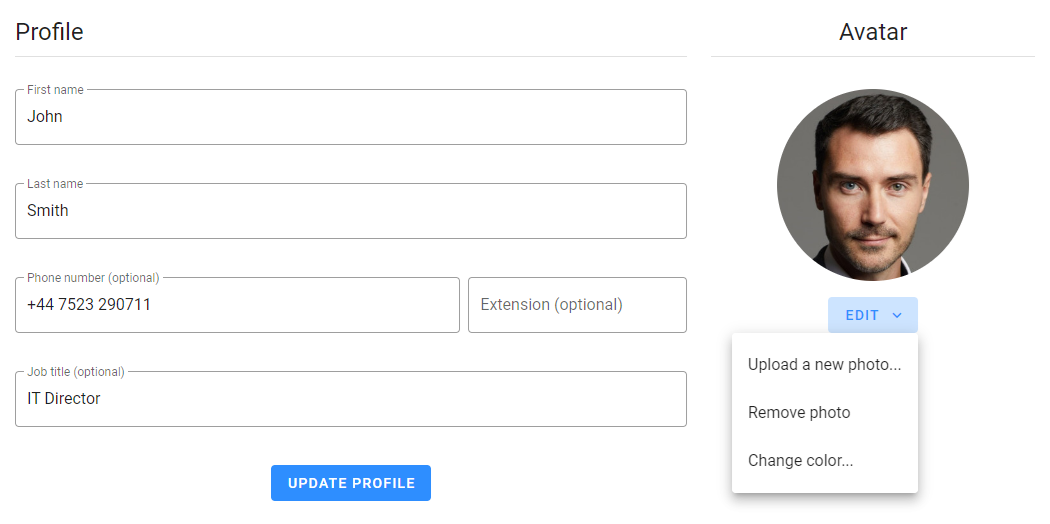
Your profile details can be found under "Account Settings", accessible by clicking on the avatar icon. It consists of your personal data and your avatar. Only your first and last names are required; all other fields are optional. However, providing additional information can help your team get to know you better.
When you click the "Update Profile" button, only the form fields are saved. Changes to the avatar are saved automatically without needing to click the button.
Avatar Color
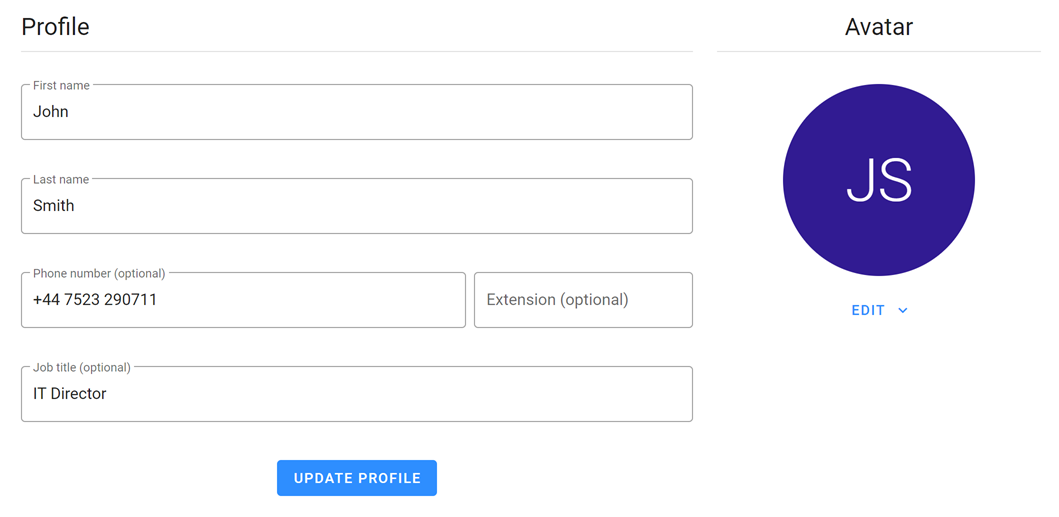
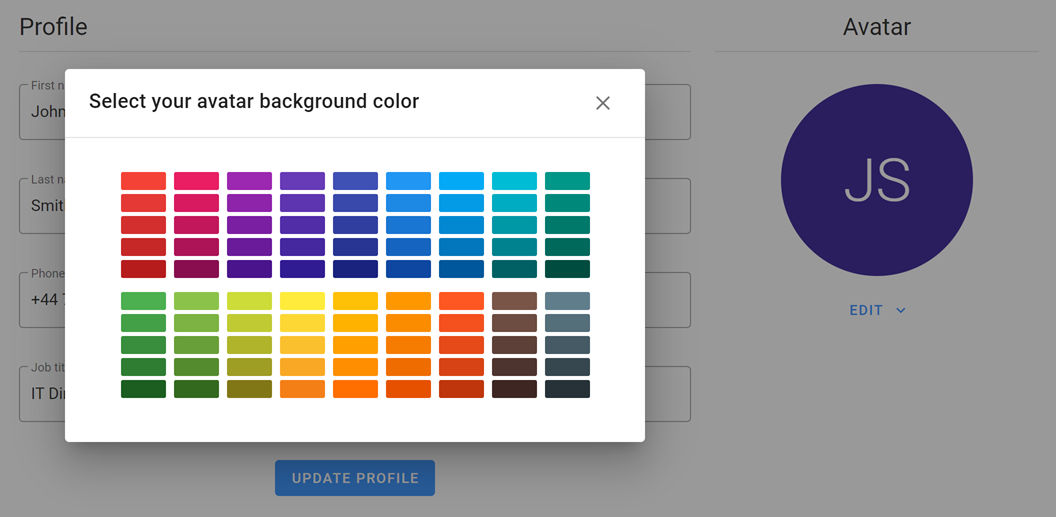
If you don't want to use an image as an avatar, your initials and a background color will be used instead. To change the avatar background color, click the split button "Edit", select the option "Change color...", and choose your desired color.
Avatar Image
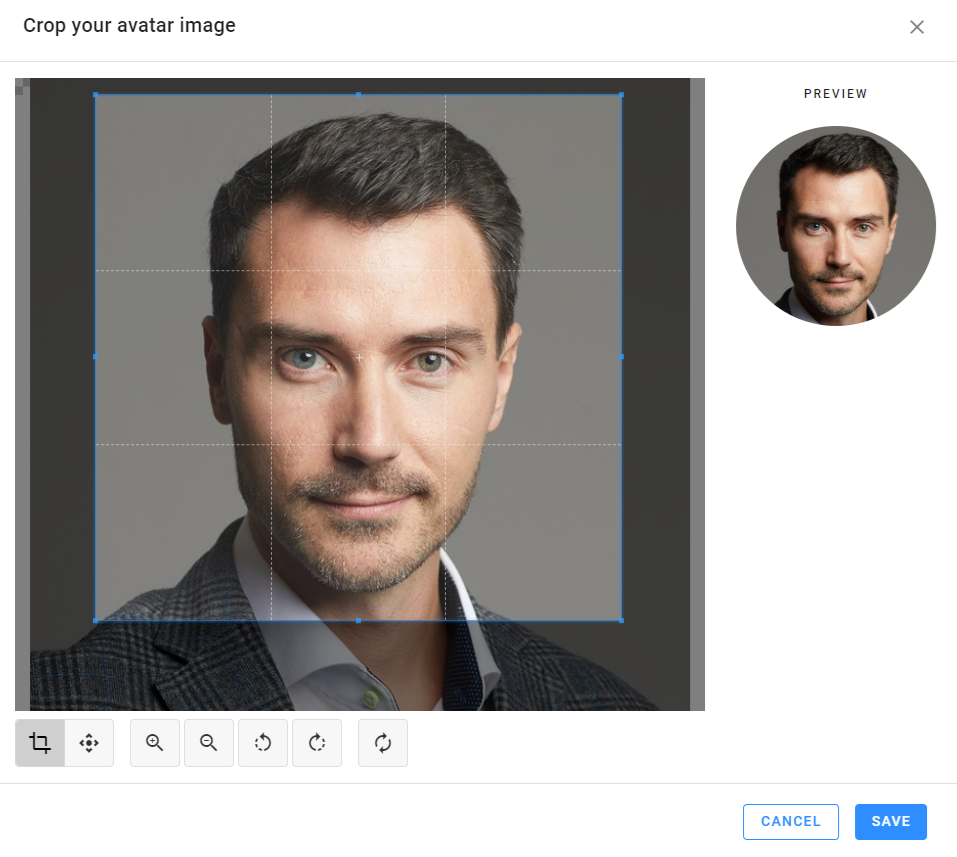
If you prefer to use an image, click the split button "Edit", select the option "Upload a photo...", and choose an image from your file system. You can crop the image to highlight your face and remove unnecessary elements.
You can upload a new image or remove the current one at any time using the corresponding options under the split button "Edit".