Pipeline - Interview Schedules
Empowering candidates to self-schedule interviews using predefined time slots enhances the experience for both candidates and hiring teams. Candidates enjoy the flexibility to select a time that suits them, reducing stress and creating a positive impression of your company. At the same time, hiring teams save valuable time by avoiding back-and-forth scheduling, ensuring an efficient, well-organized interview process.
This feature is available for stages involving interviews (phone, video, or in-person) where self-scheduling is enabled. With interview schedules, you can define consistent weekly availability by specifying time ranges for each day. Slots that are already booked become unavailable to other candidates, ensuring a smooth scheduling process.
Overview
When creating a pipeline from a template, stages requiring interview schedules can include pre-configured settings, including an assigned Interview Schedule Template. If no template is defined or a new stage is added, a default schedule will be applied, which you can easily overwrite by selecting a pre-defined template.
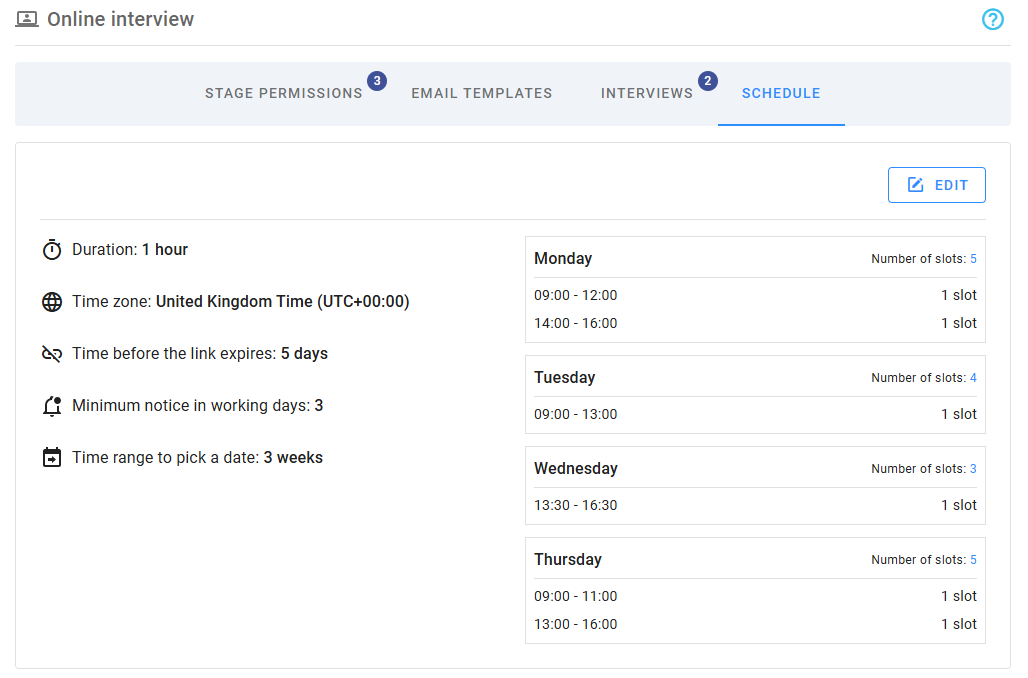
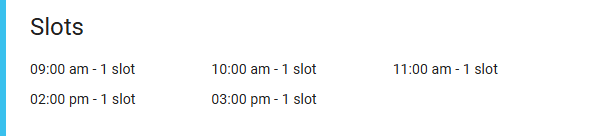
The overview section displays the configured schedule and all available time slots for each week. For each weekday, you can see the time ranges and total number of slots. To view detailed slot times, click the Number of slots link at the top of the corresponding day.
Editing schedules
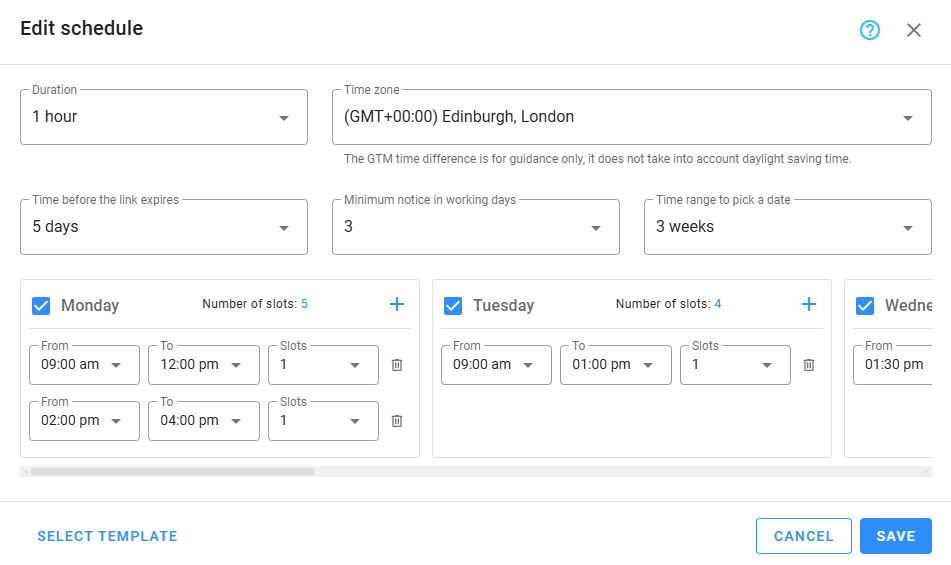
Schedules are edited in a popup window. You can use the button at the bottom left to select and load a template, streamlining the setup process. The interface includes fields for general settings, followed by a panel to define daily time slots. Changes are saved only when you click Save.
Schedule settings
Configure the schedule using the following fields:
- Duration: Specifies the total interview duration for each slot.
- Time zone: Sets the time zone for the interview; defaults to the company's time zone.
- Interview location: For on-site interviews, choose the location from your company locations.
- Time before the link expires: Defines the deadline for candidates to schedule their interview, based on the number of days after the invitation is sent.
- Minimum notice in working days: Specifies the minimum number of working days required between the current date and the candidate’s selected interview date.
- Time range to pick a date: Determines the date range candidates can choose from. If no slots are available within this range, the system automatically displays the next week with available slots.
Time slots
Define the available time slots by setting one or more time ranges for each day of the week. These slots will apply consistently across all weeks, and bank holidays are automatically excluded from schedules.
Select the days of the week to include, and use the Plus icon to add new time ranges or the Delete icon to remove them. The system ensures that overlapping or invalid ranges are not permitted. Click the Number of slots link at the top of each enabled day to view detailed slot times.
The candidate experience
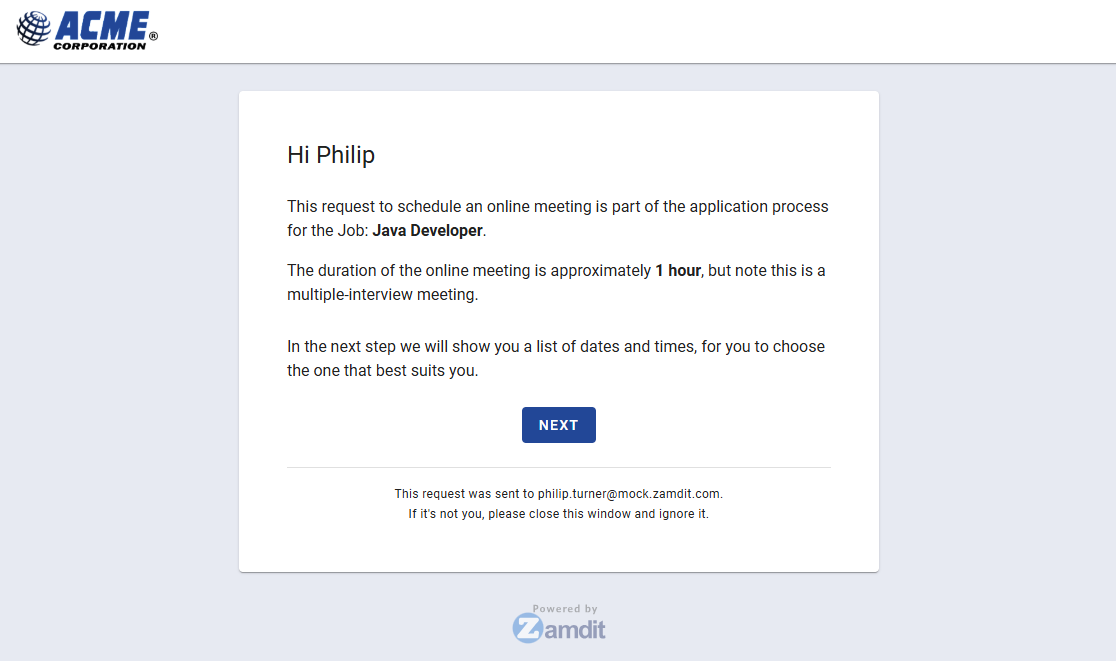
Candidates receive an invitation email with a link to schedule their interview. Upon clicking the link, they are guided through the scheduling process in a user-friendly interface.
The first view provides guidance for the scheduling process. For on-site appointments, it also displays the location, address, and a link to the location details page, where additional information, such as Instructions on how to get to the location, is available.
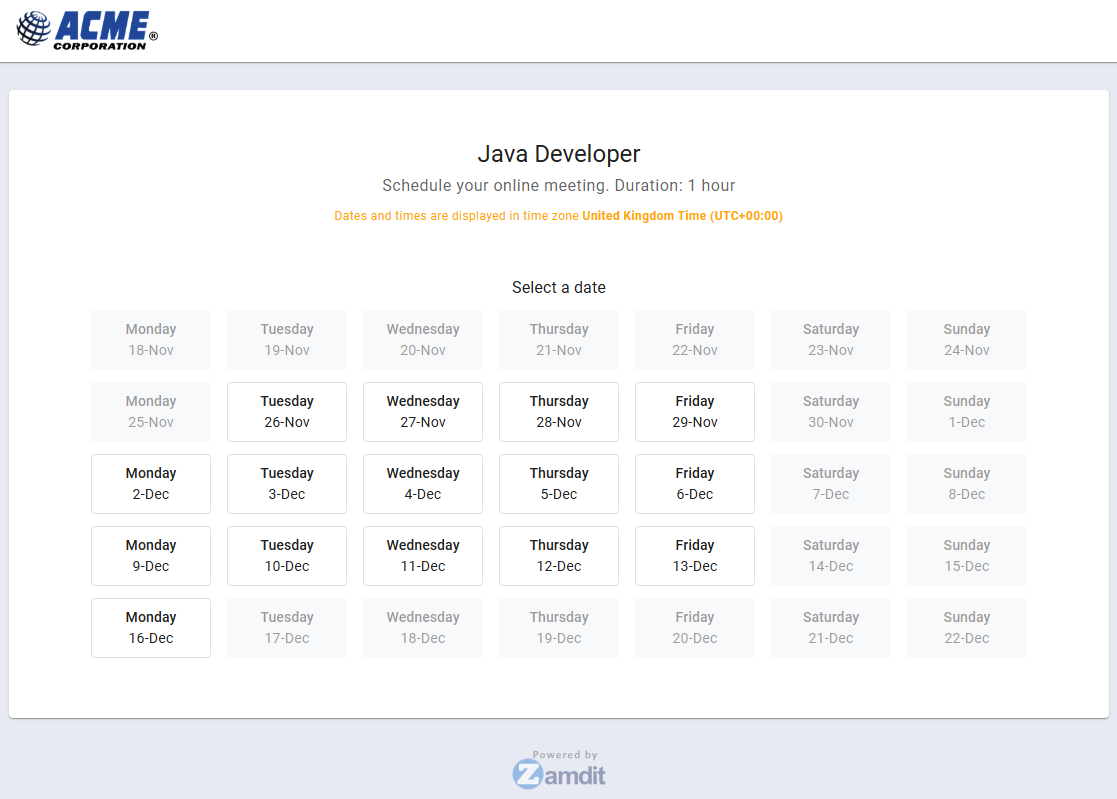
Next, candidates select a date from the available options.
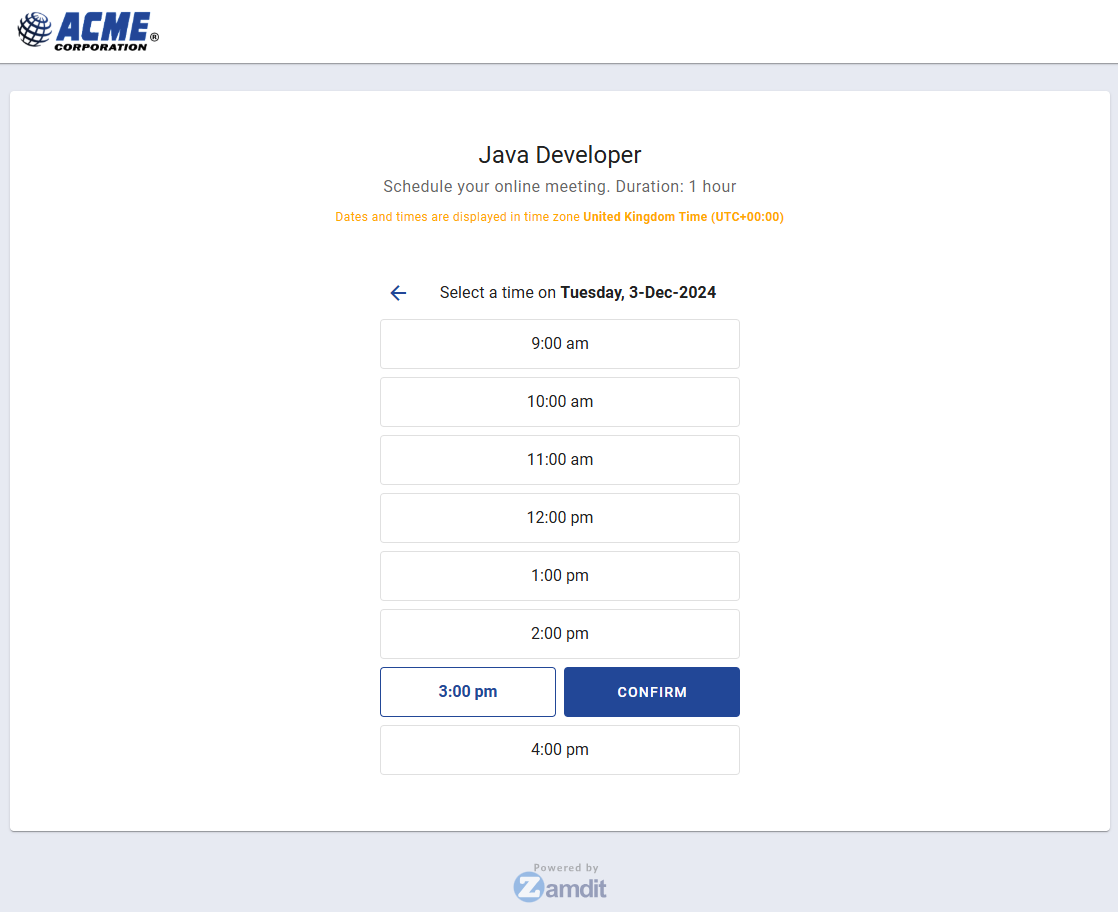
After choosing a date, candidates pick a time slot from the available options and confirm their selection. If no suitable slots are available, they can go back and select a different date.
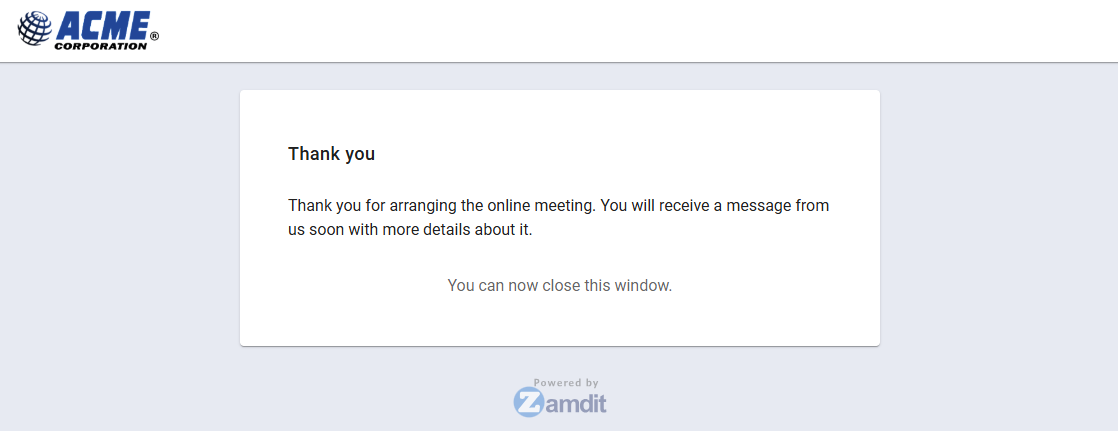
Once confirmed, candidates see a thank-you view. The hiring team receives a notification about the scheduled appointment, which must be confirmed by a team member. The candidate also receives meeting details based on the interview type.