Deal with Pending Payments
Occasionally, payments may require action from your side, typically for additional bank security measures, payment declines, or issues related to card expiration. You’ll always receive a notification email with details on any pending actions. However, please act promptly, as payments must usually be confirmed within 23 hours to avoid subscription cancellation.
Pending payments may arise due to:
- Bank security confirmations: If your bank requires additional authorization for a new subscription or plan change.
- Payment declines: Often due to expired or cancelled cards or insufficient funds. You can update your payment method if needed to resolve this.
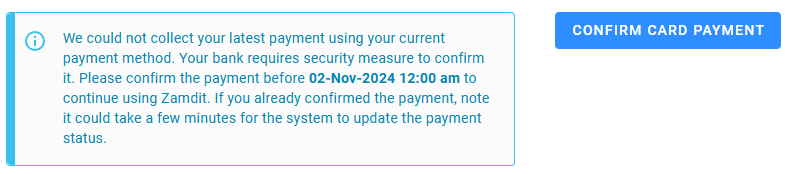
To confirm a pending payment, navigate to Plan & Billing and select Confirm Card Payment. This option appears next to or below the alert message detailing the reason and deadline for payment.
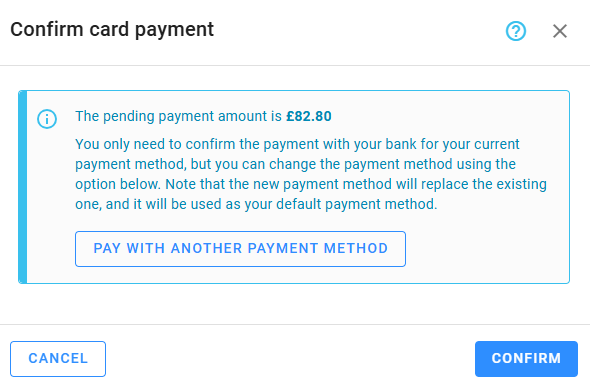
Clicking Confirm Card Payment opens a window with options to confirm or update your payment method. While you may also pay directly via the Stripe link on the invoice, we recommend using Zamdit to streamline the process.