Third-party Email Templates
Zamdit supports communication with external recruiters, references, and reviewers to facilitate a seamless hiring process. Template-driven emails ensure these communications are professional, consistent, and aligned with your hiring workflow. Zamdit provides five predefined templates for the following actions:
- Invite an external recruiter to a job
- Request a phone screen evaluation from an external recruiter
- Send a questionnaire to a reference
- Request a coding question answer review
- Request an open question answer review
Creating and editing email templates
When adding or editing an email template, the details are organized in a popup window with two main sections. Changes are only saved upon clicking Save.
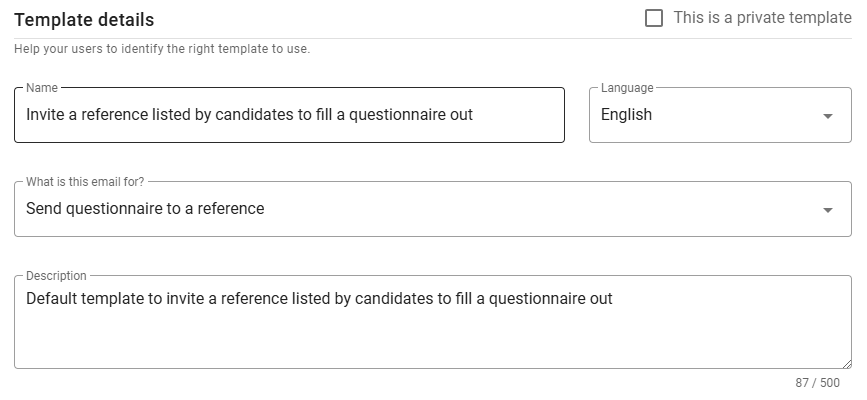
Template details
This section allows you to specify attributes such as Language, Name, Description, and Action. It’s best to set these fields before defining the message subject and body to ensure compatibility.
⚠️ Note for Admin users
When creating a new template, you can designate it as private by selecting the checkbox in the top-right corner. This setting cannot be changed once the template is saved.
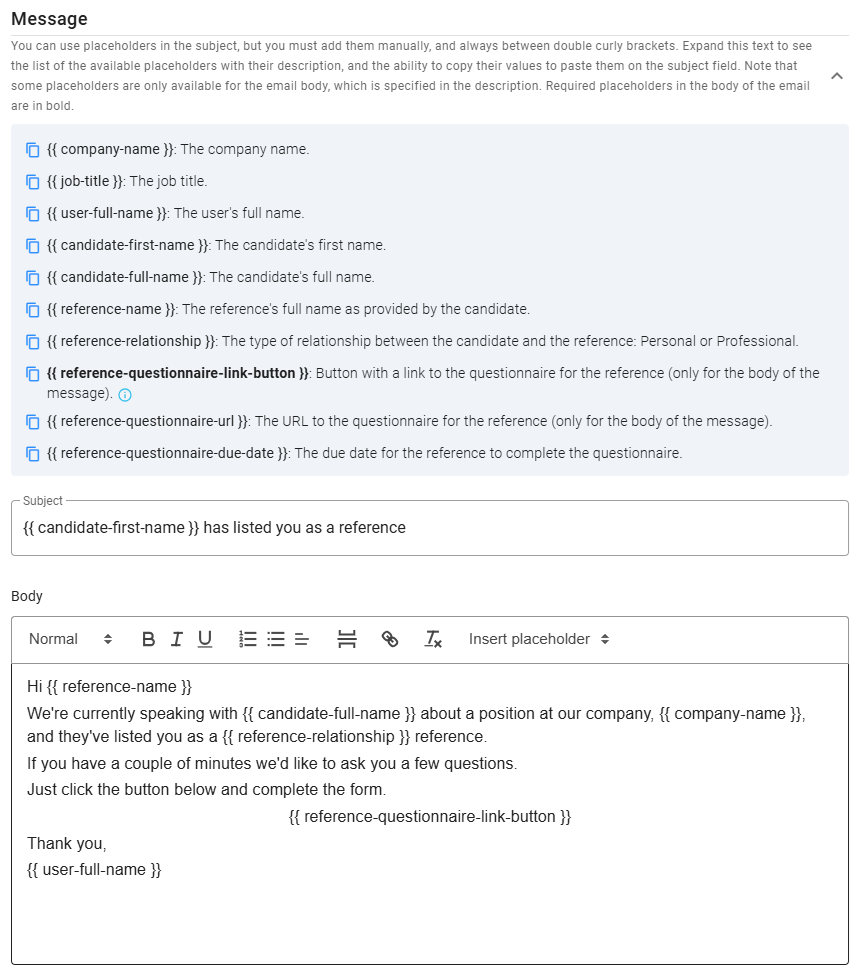
Message
In the Message section, you'll define the subject and body of the email. Placeholders are available to add dynamic content (accessible by expanding the list at the top of this section). Placeholders in the subject line must be entered manually, but you can copy a placeholder from the list by clicking the icon next to it. Required placeholders for certain email actions appear in bold to ensure they are included in the message body.
Preview
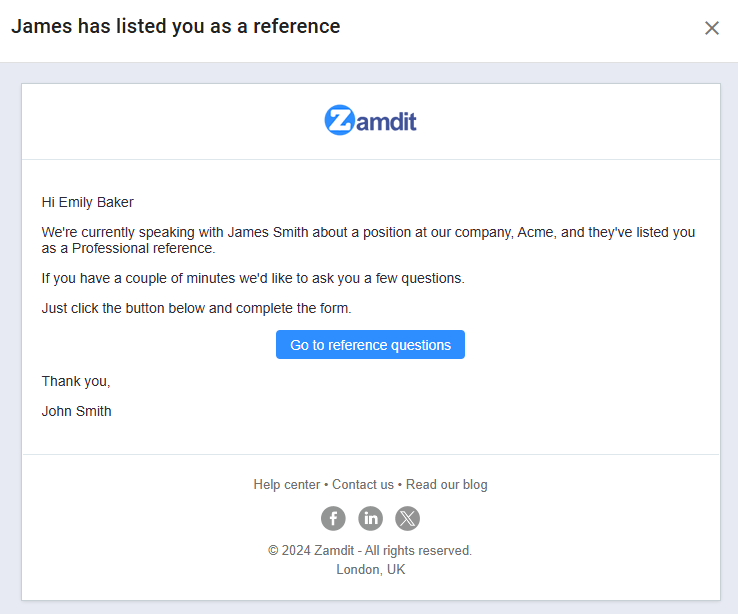
You can preview the final email by clicking the Preview button at the bottom left of the form. This preview includes the master email template, which applies a consistent format to all outgoing emails. The master template can be either the system default or a custom design if your subscription plan is Standard or higher. For more information on setting up a custom master template, see Email Master Templates.