
Cancel Your Subscription
You can cancel an active subscription at any time without incurring extra charges; however, your account will remain active until the end of the current billing period. To initiate cancellation, go to the Plan & Billing section and click Cancel Subscription. This will open a popup window displaying your subscription’s end date and a form to specify your cancellation reason.
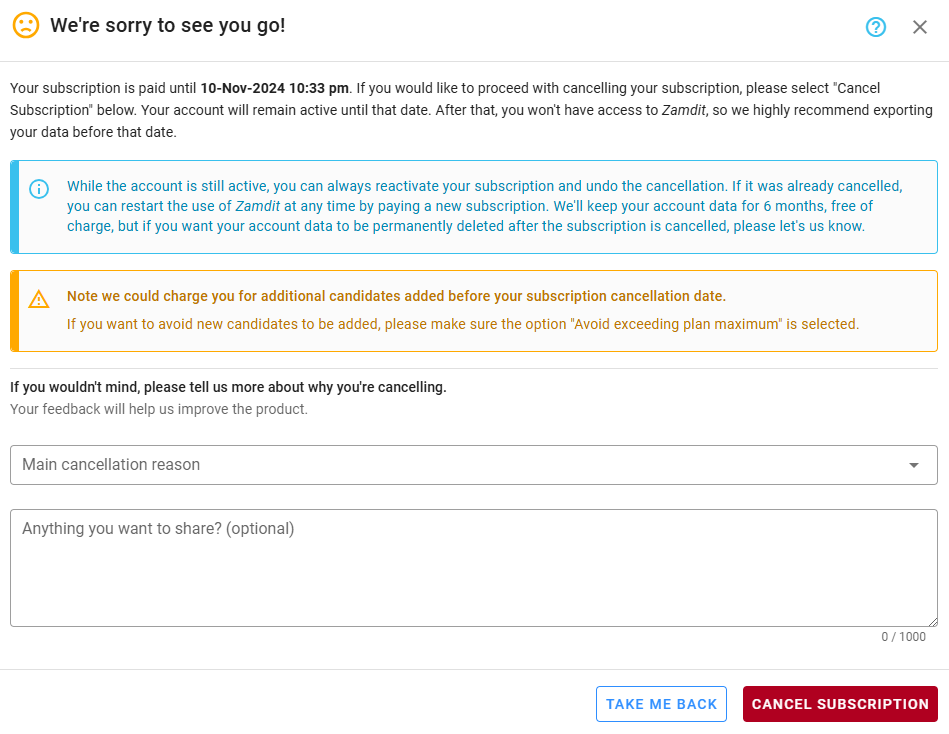
If you’re sure you wish to cancel, complete the form and confirm by clicking Cancel Subscription. Should you change your mind, you can reactivate your subscription and reverse the cancellation anytime before the scheduled end date.
Please read the warning message carefully to ensure that any limits for candidates in your plan are not exceeded, as additional charges may apply if this occurs.