Your Billing History
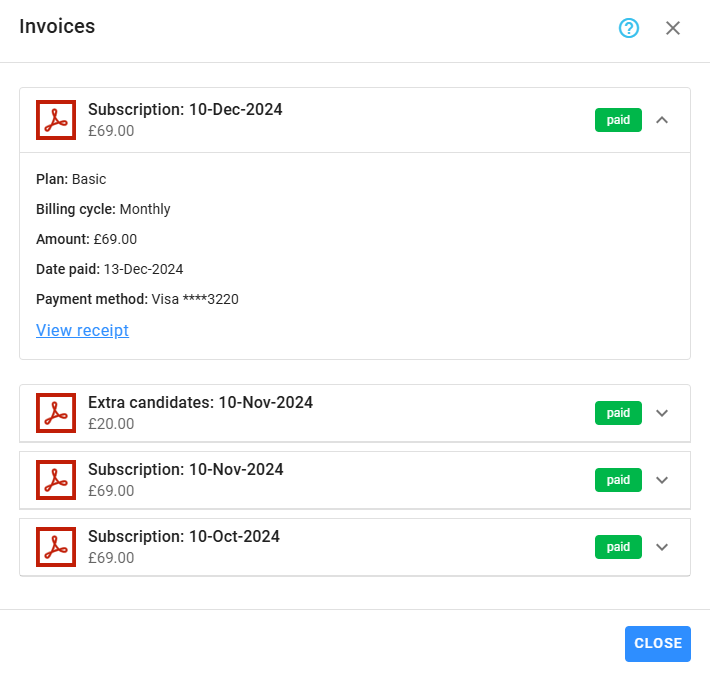
To access your complete billing history, click on Billing History in the Plan & Billing section. All invoices issued by the system are listed here in reverse chronological order (most recent first).
Each invoice entry includes:
- Plan name
- Billing cycle (monthly or annual)
- Amount charged
- Status (e.g., paid, pending)
- Payment date and method (once payment is complete)
You can download each invoice as a PDF, which is automatically updated with payment confirmation details once paid. These PDFs, generated by Stripe, serve as official invoice receipts, showing all relevant billing and payment information.