
Quick Start Guide
Welcome to Zamdit! This guide is designed to help you get started quickly, from setting up your account to managing your first hiring process. Follow these steps to leverage Zamdit’s powerful features.
Step 1: Set Up Your Account
- Log In: Use your registration credentials to sign in to your Zamdit account.
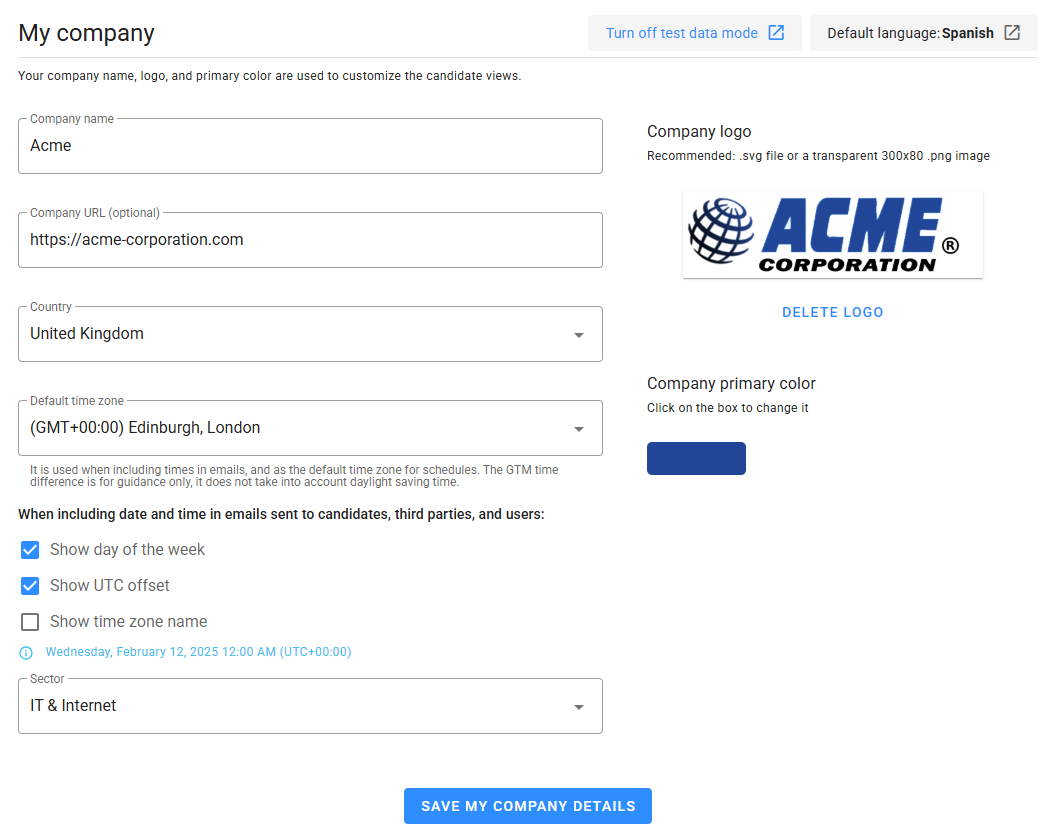
- Account Settings: Navigate to the Settings menu to:
- Configure your organization’s details.
- Set time zone and preferences.
- Invite team members and assign user roles (Admin, Advanced, Standard).
Step 2: Customize Job Templates
Although optional, Job Templates streamline creating new jobs by standardizing sections and pipelines.
- Email Templates: Personalize default email templates for candidates and third parties.
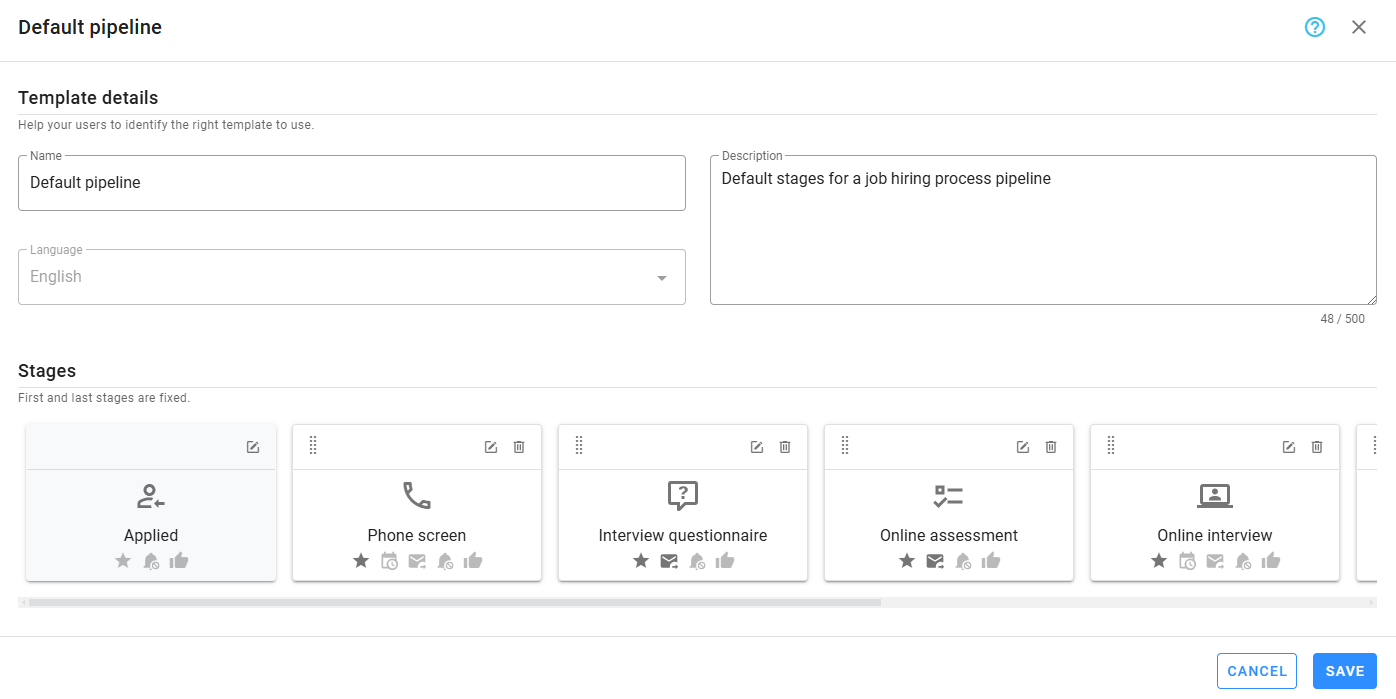
- Hiring Pipeline Templates: Optimize your hiring processes by:
- Configuring application forms.
- Personalizing evaluations and questionnaires.
- Creating interview schedule templates.
Step 3: Build Your Careers Portal
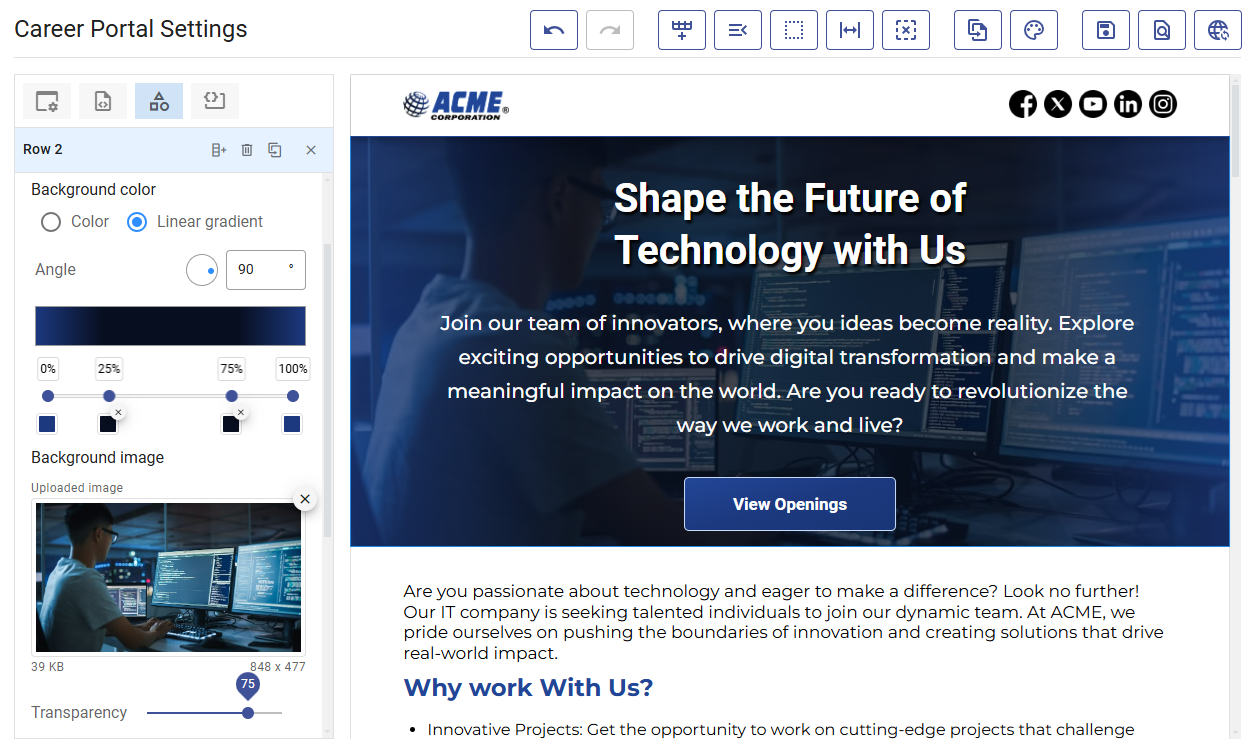
- Customize Your Portal: Use the no-code portal builder to design your careers page.
- Add branding elements like your logo.
- Link external stylesheets if necessary.
- Publish Your Portal: Launch the portal so new job openings appear automatically.
Step 4: Create a Position
- Add Job Details: Provide a description, requirements, and create the job position.
- Set Up the Hiring Pipeline: Configure the pipeline to match your recruitment workflow:
- Add application forms, questionnaires, and assessments.
- Schedule interviews and candidate appointments.
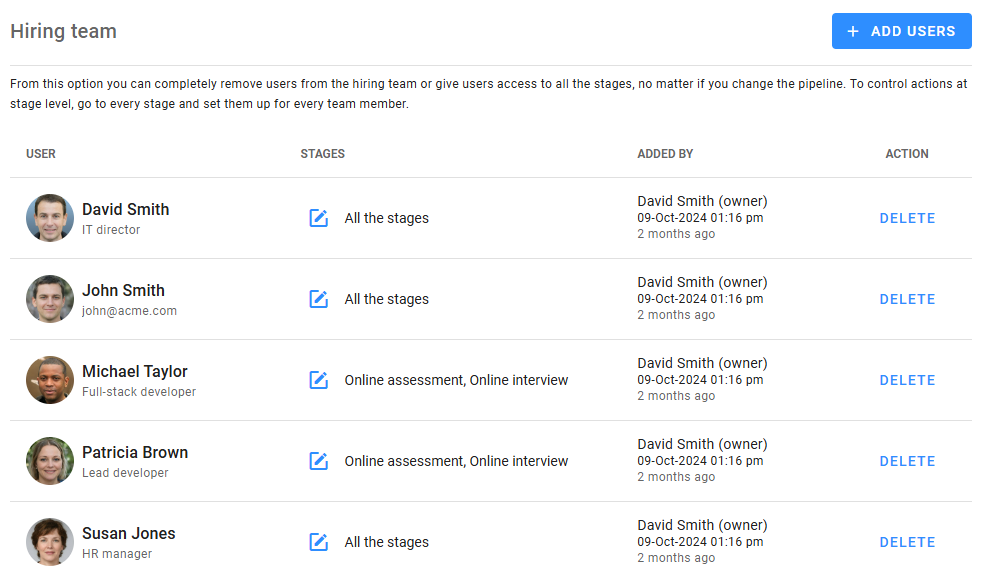
- Build Your Team: Assign team members and permissions.
- Integrate External Recruiters: Add external recruiters and additional recruitment sources like job boards.
Step 5: Start Receiving Candidates
- Publish the Job: Make the position live and promote it across channels.
- Review Applications: Access applied candidates and start screening them.
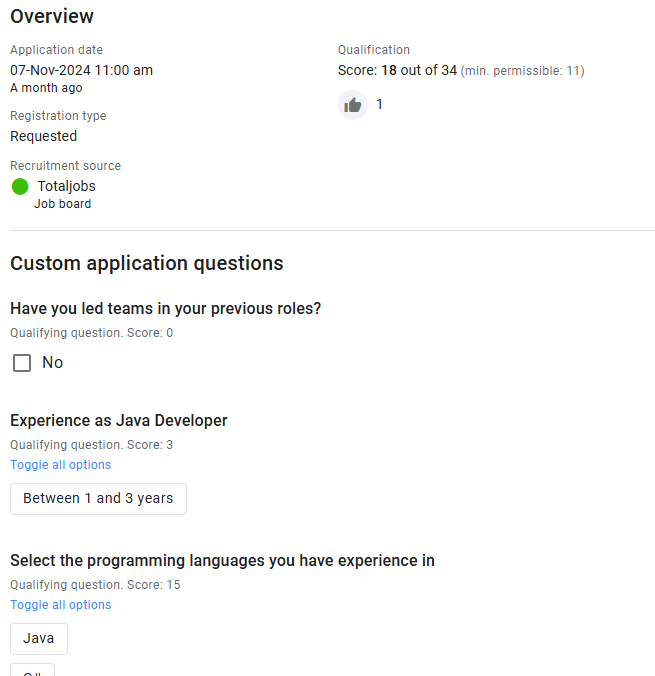
Step 6: Manage Candidates
- Track Progress: Use the Progress Board to monitor candidates’ stages.
- Review Submissions: Evaluate questionnaires and assessments.
- Schedule Appointments: Manage interviews and calls.
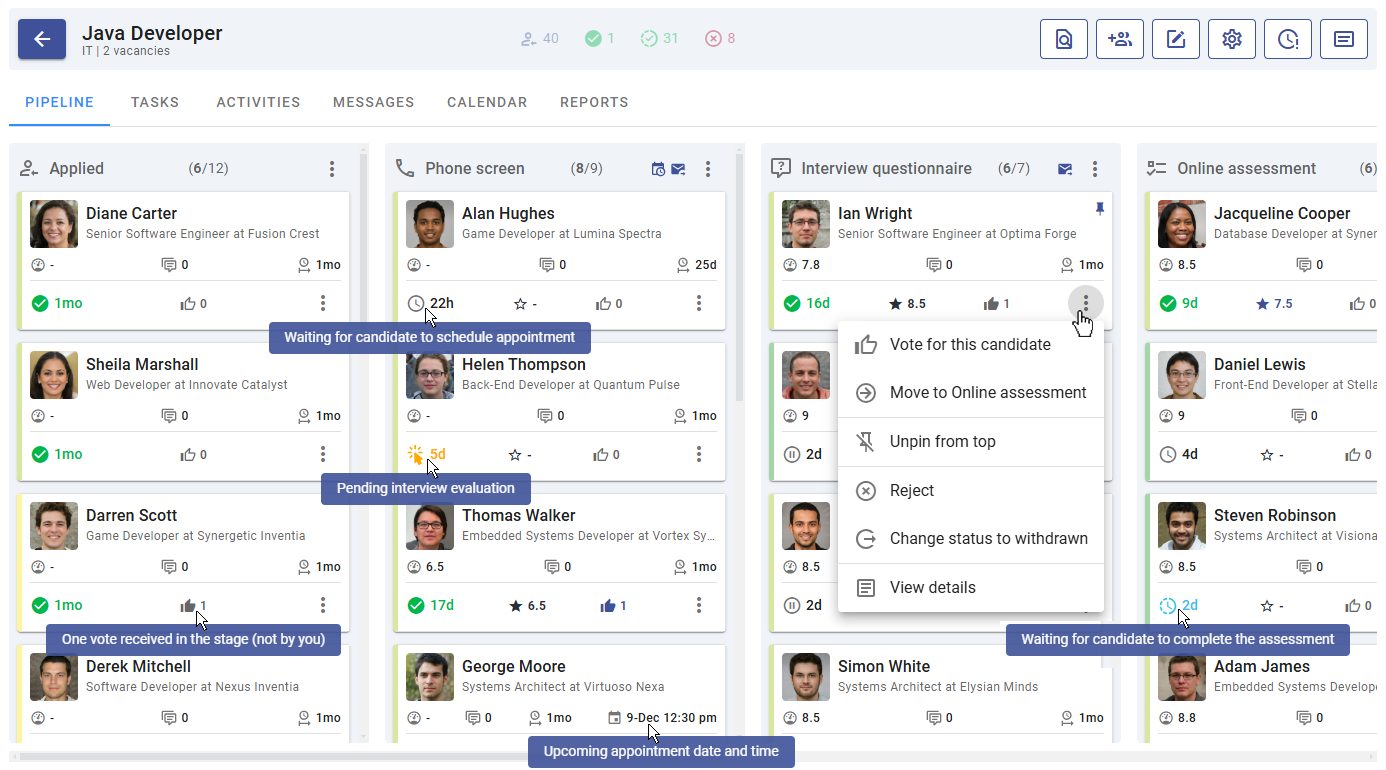
Step 7: Assess and Evaluate
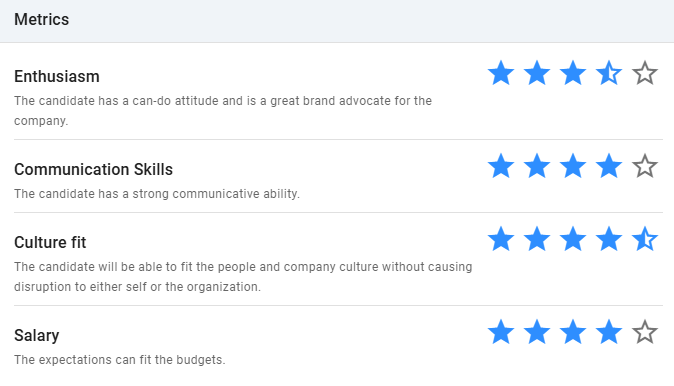
- Conduct Interviews: Use structured evaluations to collect feedback.
- Engage External Reviewers: Include external reviewers to gain additional insights.
Step 8: Collaborate with Your Team
- Use Notes and Comments: Share candidate insights with your team.
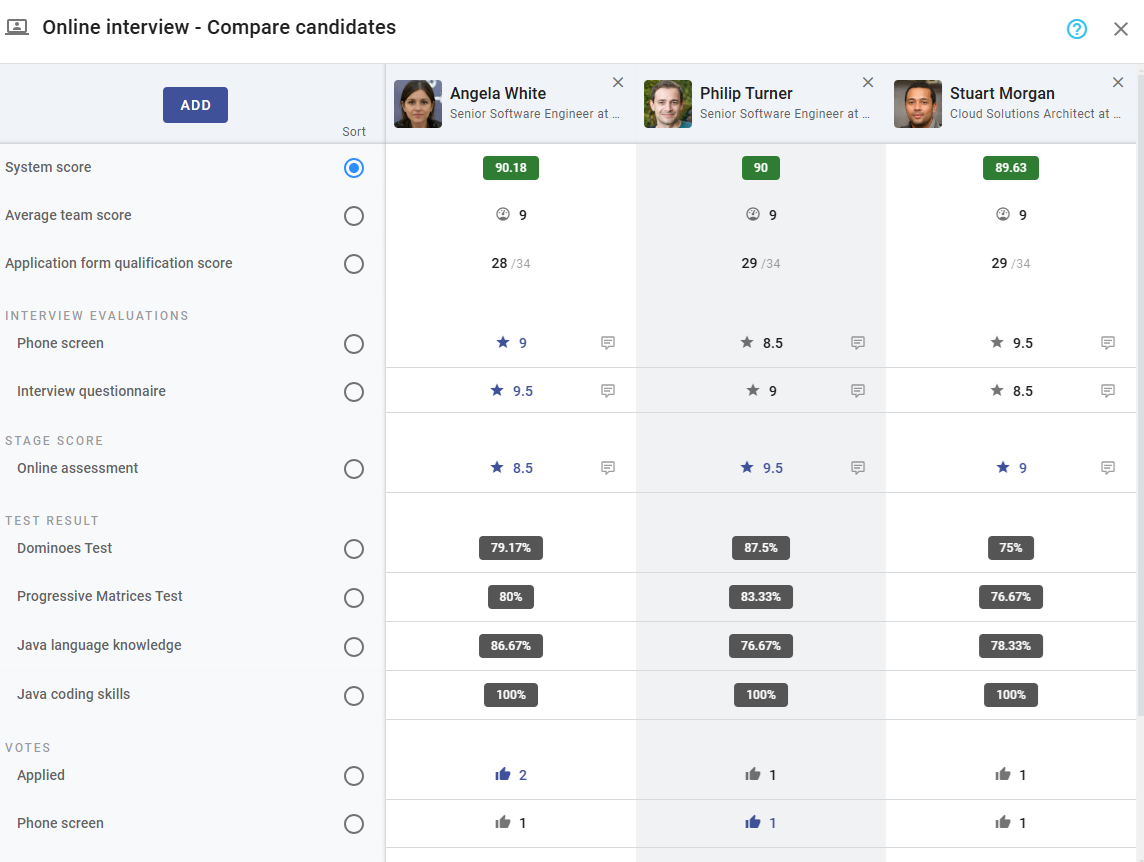
- Vote on Candidates: Collaborate to make collective decisions.
- Compare Candidates: Use the comparison tool to choose the best fit.
Step 9: Make Offers
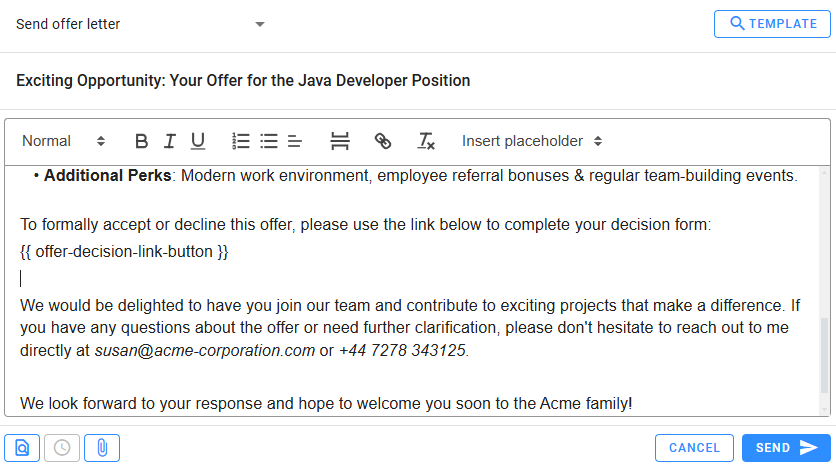
- Prepare Offers: Use Offer Decision Forms to send job offers.
- Review Responses: Manage candidate decisions.
Step 10: Monitor and Improve
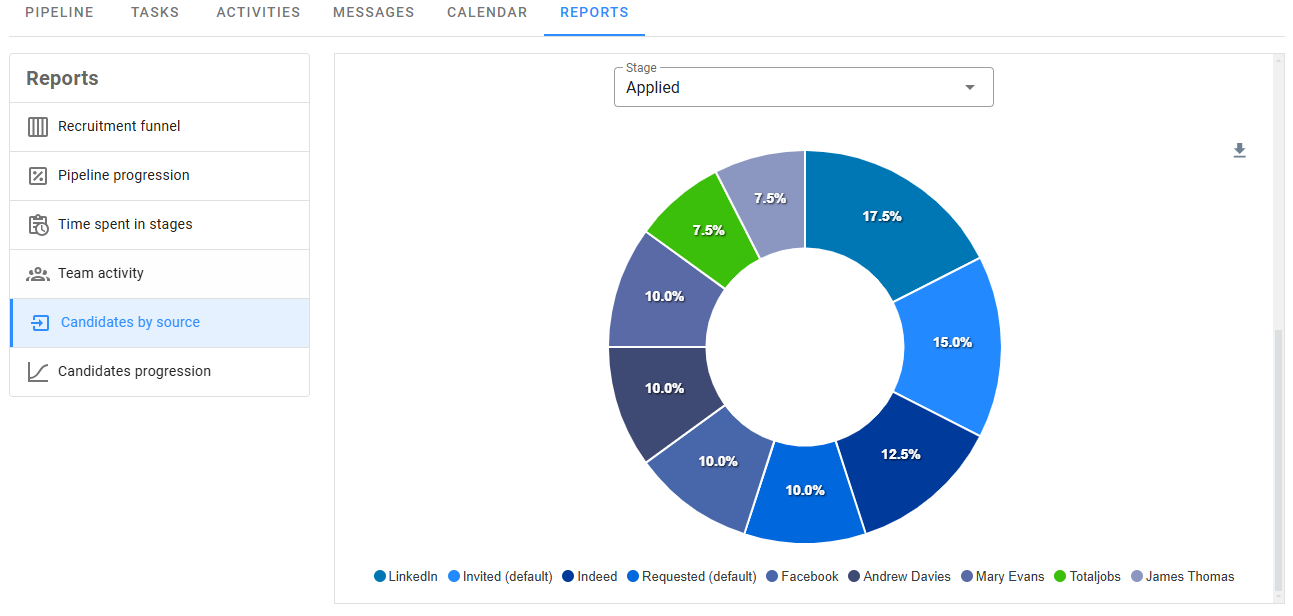
- Analyze Reports: Access job reports and hiring metrics.
- Optimize Processes: Use analytics to refine your recruitment strategies.
Need More Help?
Explore detailed sections in the User Guide or contact Zamdit Support for personalized assistance.