
Working with Tests
To access tests, select Tests from the top menu. This page displays all tests available in the Zamdit library, along with any custom tests created by your company’s users. To switch between languages, use the Test language option in the upper-right corner of the page. For more on using lists, viewing modes, behavior and appearance settings, and favorite filters, see Working with Lists.
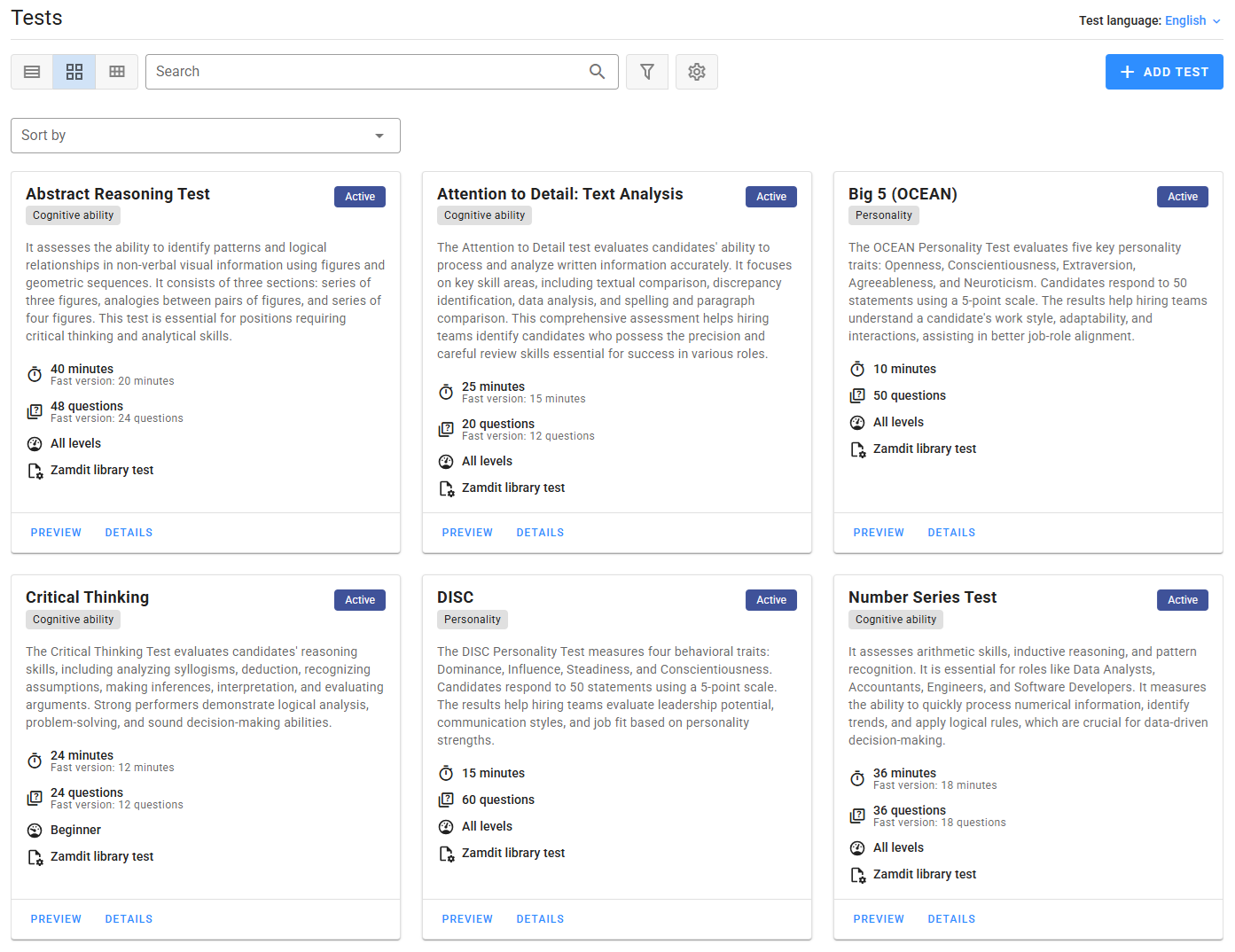
Each test card shows the test’s name, type, status, and summary, along with key features such as duration and difficulty level, represented by icons. From either card view or list view (depending on your selected mode), you can access all available actions for each test.
Adding and editing tests
Any user can create custom tests for the company. Once published, these tests are available for use in any job assessment within your organization. Only the test owner or an Admin can edit custom tests. Admins can also transfer test ownership if the current owner is no longer active. Note that system tests can only be used in assessments; they cannot be edited.
Viewing test details
For each test, you can view detailed information by selecting the Details option. A popup window will appear, displaying all relevant information about the test. For custom tests, it’s advisable to include comprehensive details so that other users can quickly determine if a test is suitable for their job assessments.
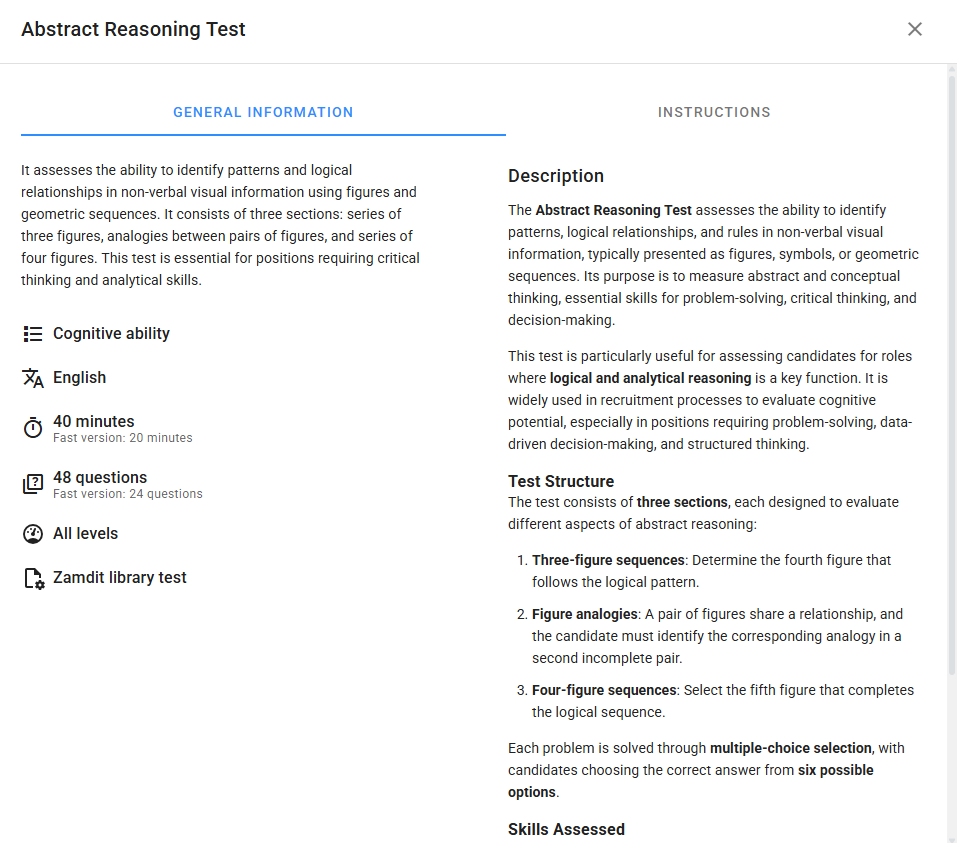
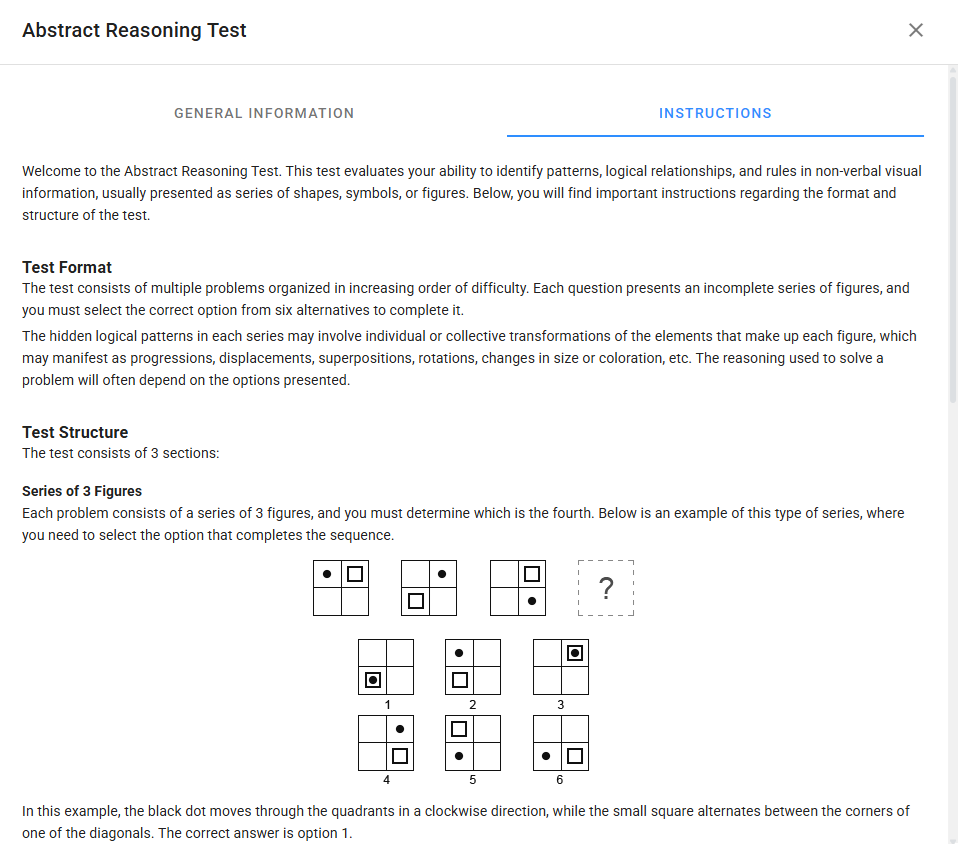
If the test includes instructions for candidates, the Details view will display a dedicated tab with this information. Reviewing these instructions allows the hiring team to ensure clarity, accuracy, and completeness before candidates take the test. It also helps align expectations and provides insight into what candidates will see.
Previewing sample questions
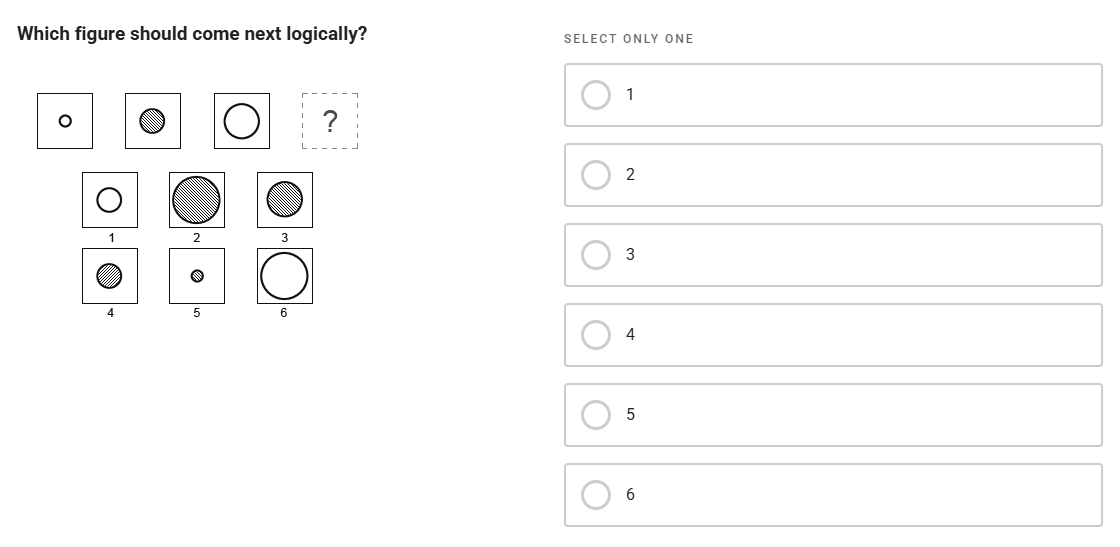
Tests with Sample Questions offer a preview option, enabling hiring teams to view them in an interface similar to the candidate’s experience. All Zamdit Library tests include sample questions, which also serve as practice questions for candidates. For custom tests, sample questions are optional and can be included as needed.
Sample questions help hiring teams understand the assessment’s focus, ensuring relevance to the role and alignment with desired skills or traits. Previewing sample questions also helps assess the test’s difficulty, ensuring it’s well-suited to target candidates and balanced in challenge.
Using tests in assessments
When adding tests to assessments, you can preview the test and view its details. Detailed information and sample questions provide hiring teams with a clear understanding of the test’s objectives, enabling consistent, objective evaluations. This transparency ensures that the test difficulty is appropriate and that candidate evaluations are aligned with the role’s requirements.