Applied Candidates
This guide explains the steps candidates must complete during the application process, such as filling out forms and submitting required details. Additionally, it provides instructions on accessing the list of applied candidates, viewing their profiles, and reviewing their application forms to make informed decisions at every stage of the hiring process.
Requests to Apply
When candidates are invited, the email they receive contains a link to the application form. Job seekers can also request to apply by accessing the job description from any source you use to promote your open positions, such as your Career Portal, job boards, or social networks.
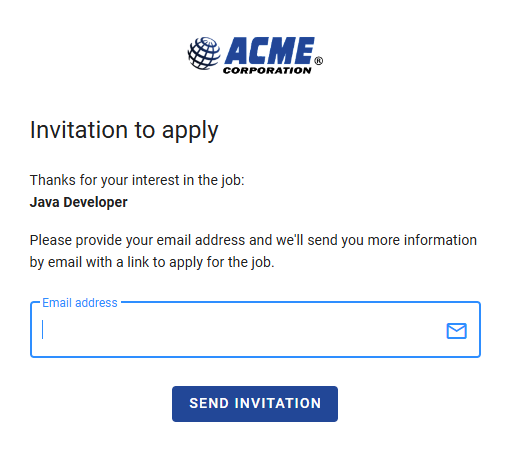
The Job Description page includes a button for job seekers to apply. By clicking this button, they are presented with a field to enter their email address and will receive a message containing a custom link to their application form.
Pending Applicants
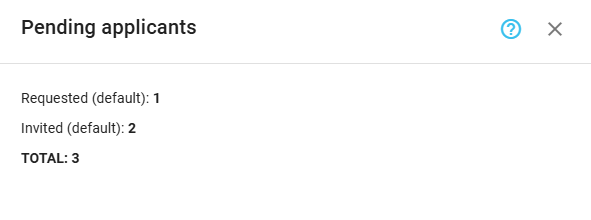
Statistics on invited or requested candidates who haven’t applied yet are available through the Job Progress Board. Click the Stats of pending applicants button on the toolbar to view this information.
Application Form
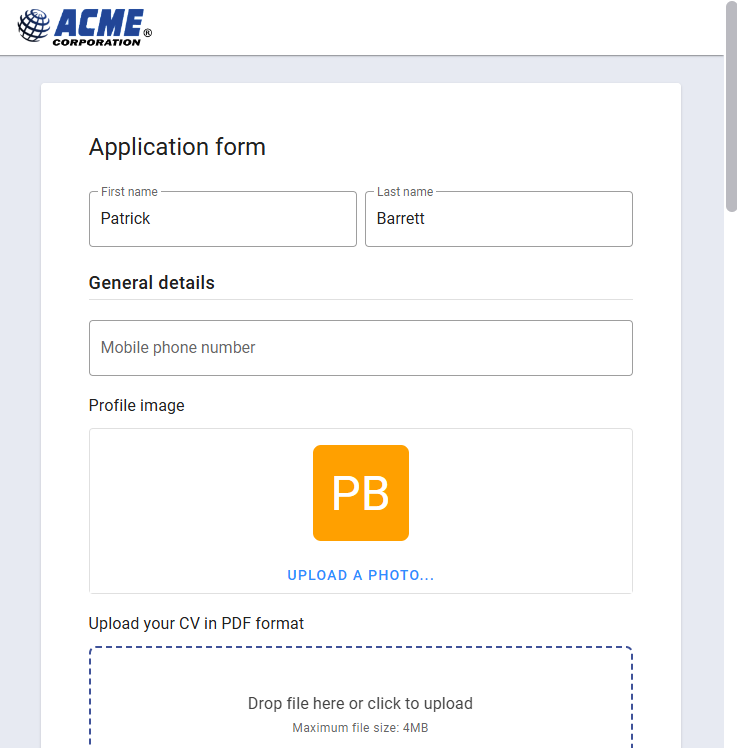
When a candidate clicks on the custom link received in the invitation email, they are redirected to the job application form. They are first presented with a Welcome page, which includes the job description for invited candidates, as they may not have seen it before. Afterward, they complete the form, and the final view displays the Thank-You message, providing a closing note for the candidate.
Once the candidate completes the application form, they are automatically added to the Job Progress Board in the Applied stage, which is always the first stage in the pipeline. If the form contains pre-qualify questions, unqualified candidates might be automatically rejected, depending on the application form settings. Automatically rejected candidates may also receive an email notification about their rejection. However, these candidates remain visible on the Job Progress Board, and you can reactivate them if needed.
Viewing Applied Candidates
Applied candidates are available in the Job Progress Board. To view a candidate's details, click on the candidate's name or select the View details option from the card menu. The first two tabs of the details view are Profile and Application.
Profile
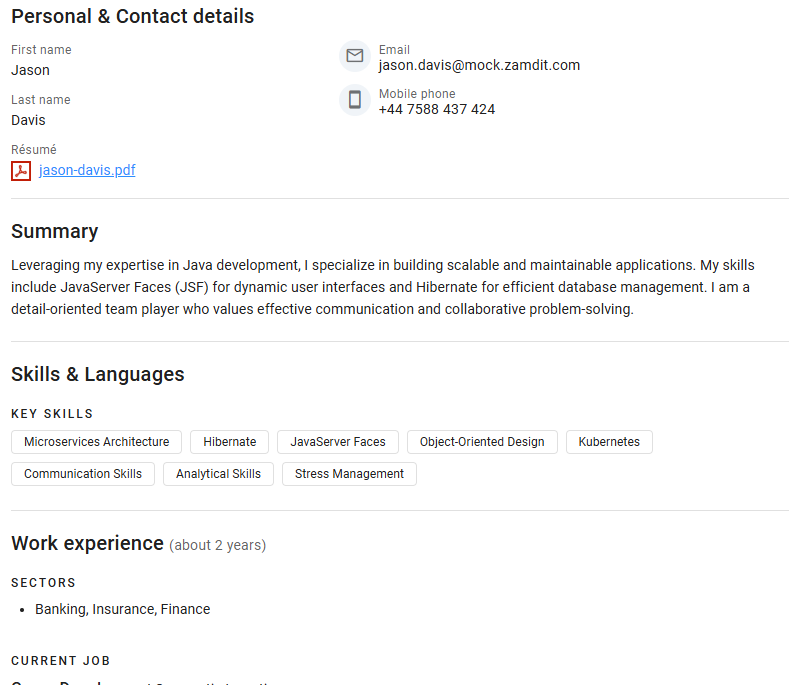
This section displays all the information provided by the candidate for the predefined fields, not only from the current application form but also from their historical profile. Here, you can find their personal and contact details, résumé, and any other information requested in application forms.
Application
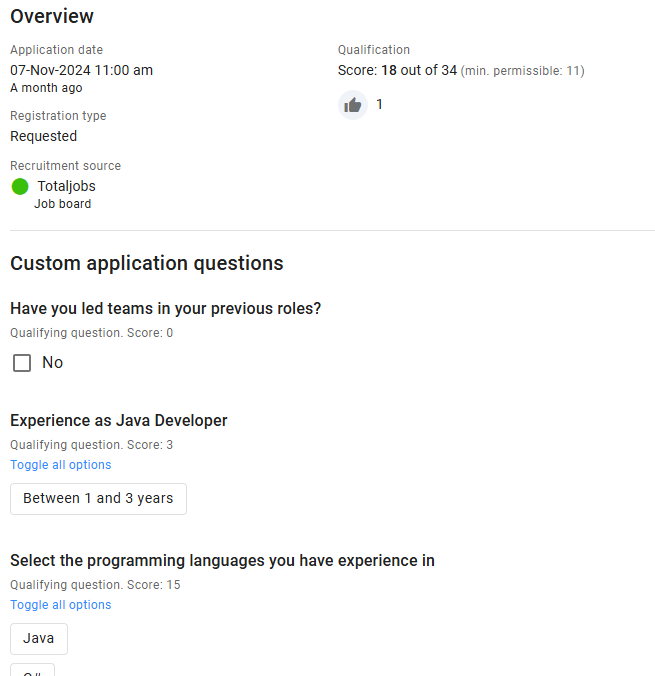
This section provides an overview of the candidate's application for the job, including the source and the qualification score, if applicable. If the application contains custom questions, the answers provided by the candidate and the assigned scores for pre-qualify questions will also be displayed.