
My Calendar
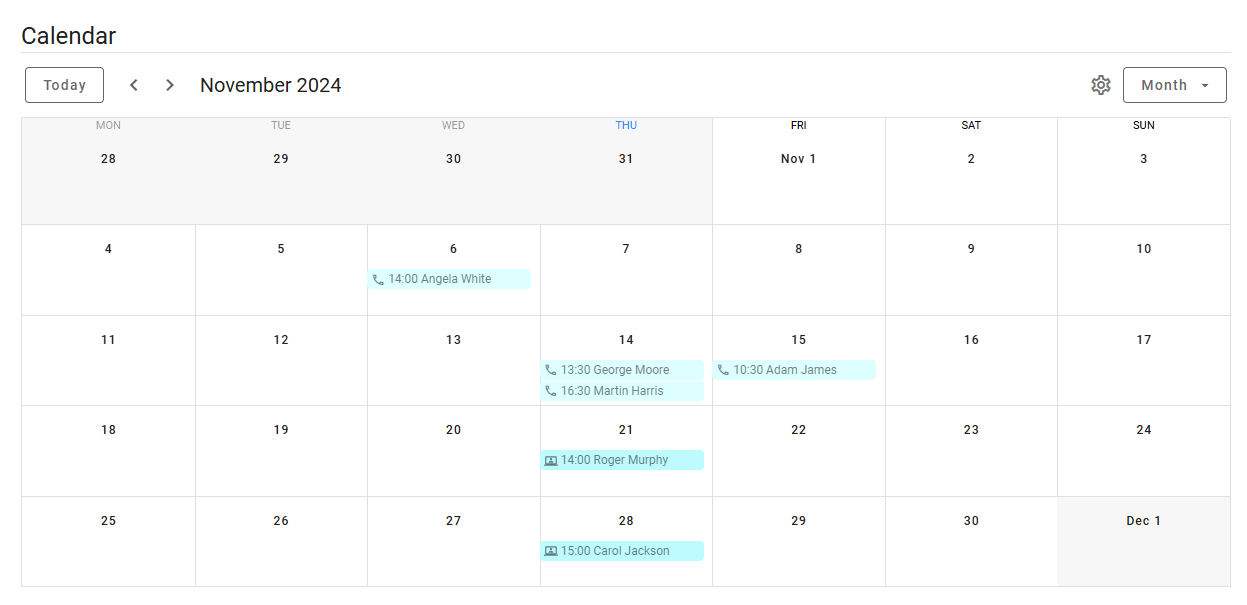
While you can view the activities calendar for each job you have access to, by accessing the Calendar from the menu under your avatar, you can see all your personal activities across all jobs.
The calendar has three view modes: Monthly, Weekly and Daily. In the monthly view, you can customize which weekdays are displayed. Clicking on any day will switch to the daily view.
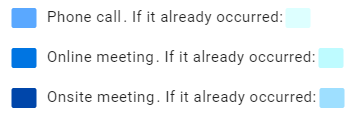
Event colors
Events are color-coded based on their type and whether they are upcoming or have already occurred.
View event details
To view details for a specific event, simply click on the event in the calendar. A popup window will appear, showing all relevant details, including the date, time, duration, job, candidate, and a video interview link (if applicable).
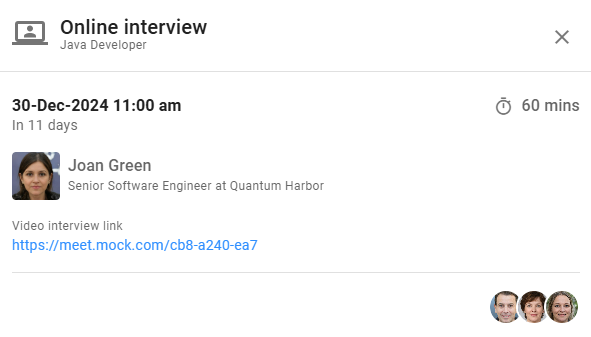
To access the candidate’s details, click on their name. This will take you to the job's progress board and open the Candidate Details View, focusing on the relevant event tab.