Set up Your Subscription
Once you've chosen the plan that best suits your company, you’re ready to set up your subscription. You don't need to disable Test Data mode if it's active, but please note that if it remains active when the trial period expires, it will be automatically disabled.
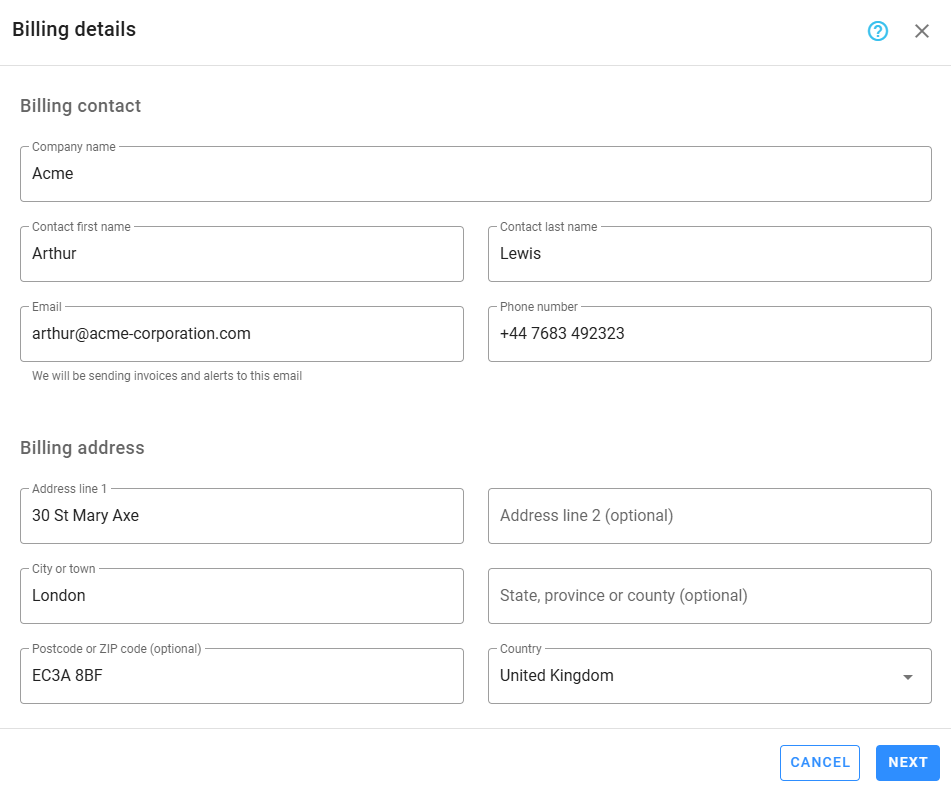
Billing details
To start, provide the billing contact details and billing address. Notifications regarding your subscription and payments will be sent to both the account owner and the billing contact. The company name and billing address will be displayed on all invoices.
ℹ️ Note
EU clients must enter valid VAT information to benefit from the reverse charge mechanism.
Payment details
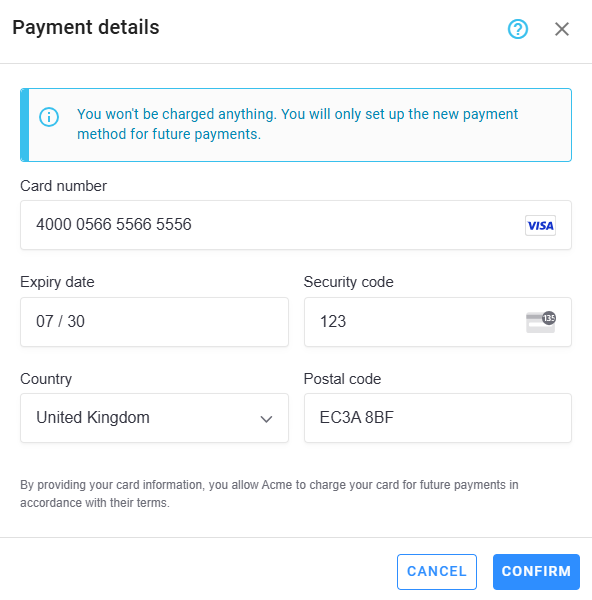
The next step is to set up your payment method. Zamdit uses Stripe for secure payment processing, which accepts major global and local card networks, including Visa, Mastercard, American Express, Diners, Discover, JCB, and China Union Pay. You can also use Apple Pay and Google Pay.
After entering and confirming your payment details, the setup process is complete. You won’t be charged until the end of the trial period, and you’re free to cancel your subscription anytime before the trial ends.
💳 Expiration Alerts
If your card is about to expire, you’ll receive a notification email with instructions on updating your payment method to ensure your next payment is processed smoothly.
🛡️ Data Security
For your safety, we do not store any card information in our system. All sensitive payment information is securely stored and managed by Stripe.